Real-Time Preview – See changes immediately
Live feedback shows how optimizations affect AEO score
The Problem
With traditional SEO tools, you have to save changes, reload the page, and recalculate the score to see if an optimization worked. This save-load-check cycle is slow and frustrating.
You don't know if a change improves or worsens the score before committing. This leads to trial-and-error: you try change A, save, check (score drops!), undo, try change B, save, check...
This inefficient workflow costs time, interrupts creative flow, and makes optimization a tedious task instead of a fluid process.
The Solution
The Real-Time Preview is meant to shorten the save-reload-check cycle and make changes easier to judge while editing.
- Faster feedback: get earlier signals while revising content
- Closer score context: keep evaluation nearer to the editing flow
- Side-by-side judgment: compare structural changes more easily
- Schema context: review structured output closer to the editing workflow
The focus is smoother editing, not a promise of perfect live simulation.
See it in action
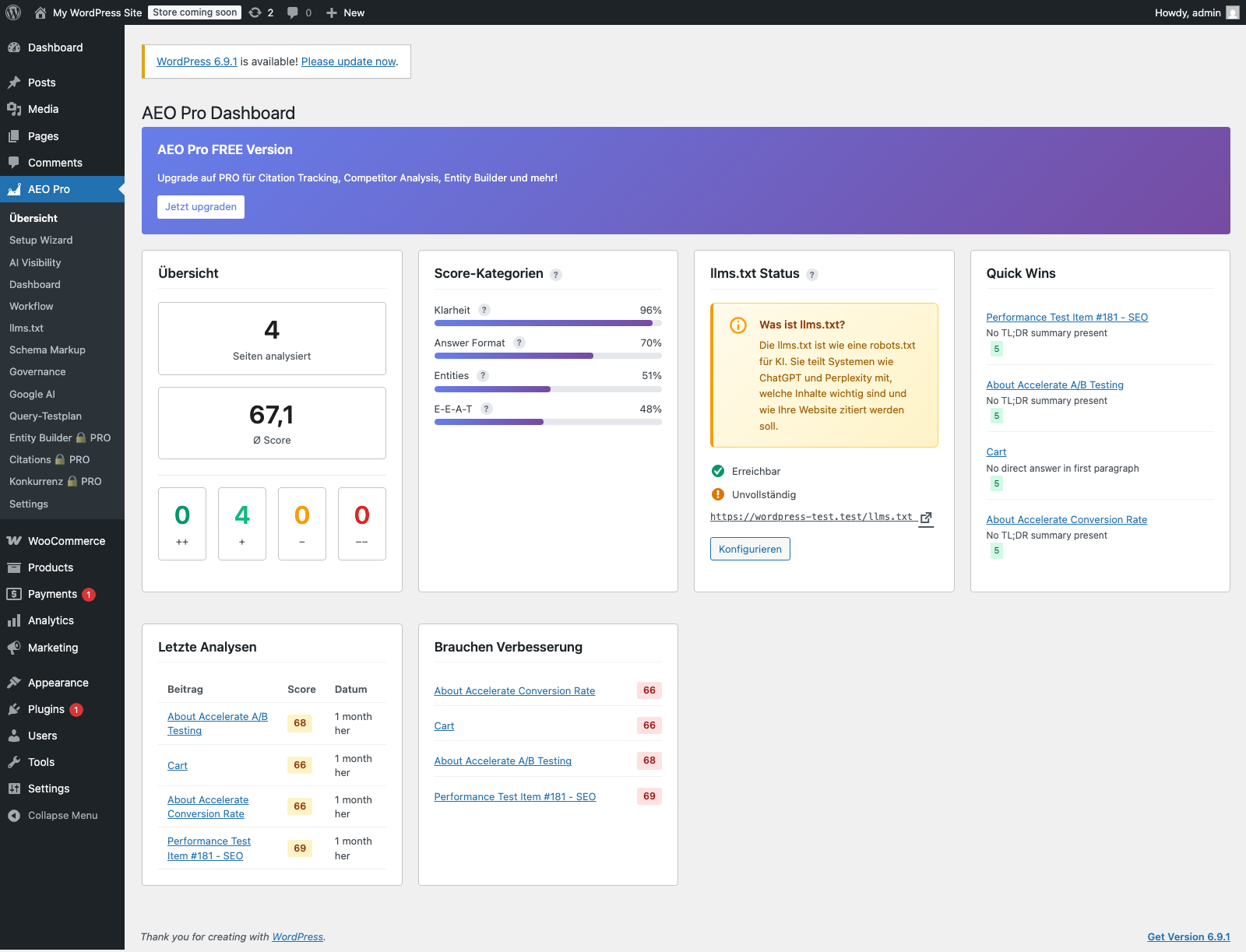
Source
Direct screenshot from the local WordPress test installation with AEO Pro active.
Context
Where only PRO lock states are currently visible, the module is presented as an existing expansion area rather than as a freely usable interface.
Benefits
Faster optimization feedback
More direct feedback helps teams compare variants without breaking their flow as often.
Fewer unnecessary loops
Changes can be judged earlier before teams fall into repetitive save-and-check cycles.
Maintain flow state
Creative work isn't interrupted by technical loading times. Stay in flow, optimize intuitively, publish faster.
Confidence before publishing
Teams get a clearer sense of how structural edits affect the page before publishing.
Simplified variant review
Headlines, intros, or FAQ variants can be compared more quickly during editing.
Team collaboration
Share preview links with colleagues. They can review changes without you having to save/publish. Ideal for editorial workflows.
Use Cases
Content writer: Find optimal headlines
An editor compares headline variants more directly instead of bouncing between save states and separate checks.
SEO manager: Quickly optimize FAQs
An SEO manager can compare how FAQ blocks change structure and clarity during the editing process.
Agency: Live client presentations
An agency can review changes with clients in a more understandable editing context.
E-Commerce: Perfect product descriptions
A shop manager can iterate on product descriptions with less interruption between edits and review.