Workflow Management – Organize AEO tasks in teams
Checklists, deadlines, and assignments for efficient AEO optimization
The Problem
AEO optimization is a continuous process with hundreds of tasks: add schema, create FAQs, update llms.txt, revise old content. Without structured workflow management, teams lose overview, tasks are forgotten, and optimizations remain incomplete.
Spreadsheets are confusing, Trello/Asana are not specifically built for SEO/AEO and require manual data transfer from analytics tools. The result: inefficient communication, duplicate work, and missed optimization opportunities.
Especially for large websites (1,000+ pages) or agency setups with multiple clients, it's impossible to manage all AEO tasks without a dedicated system.
The Solution
The Workflow Management of AEO Pro integrates task management directly into your WordPress backend. Create, assign, and track AEO tasks without external tools:
- Automatic task generation: The bulk scanner automatically creates tasks for pages with low scores
- Predefined checklists: Templates for common tasks (add schema, create FAQ, update llms.txt)
- Team assignments: Assign tasks to editors, SEO managers, or freelancers
- Deadlines & reminders: Set deadlines and receive automatic reminders before expiration
- Progress tracking: Kanban board shows To Do / In Progress / Done status of all tasks
- Integration with analytics: Prioritize tasks based on traffic potential and current AEO score
All task data is centrally stored in WordPress. No context switching between tools needed anymore.
See it in action
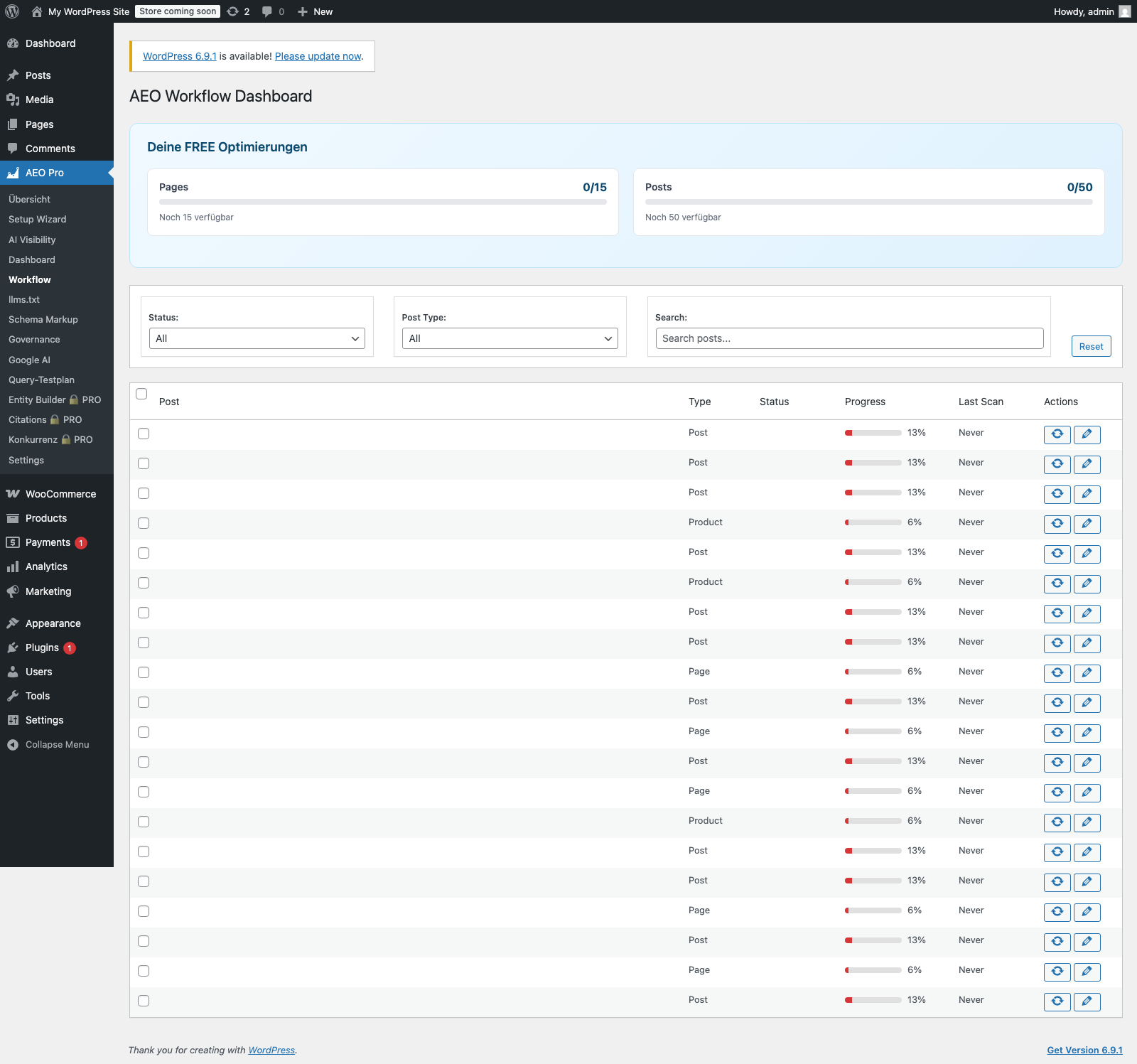
Source
Direct screenshot from the local WordPress test installation with AEO Pro active.
Context
Where only PRO lock states are currently visible, the module is presented as an existing expansion area rather than as a freely usable interface.
Benefits
Team productivity +40%
Through automatic task generation and clear assignments, your team works more focused. No more time for meetings "What should I optimize next?"
No forgotten tasks
Automatic reminders ensure that important optimizations don't get lost. Deadline tracking prevents tasks from hanging in To Do forever.
Transparency for management
Dashboards show at a glance: How many tasks are open, who is working on what, what progress has been made. Ideal for team leads and agency managers.
Onboarding new team members
Predefined checklists explain to new employees step-by-step what to do. Instead of days of training: learning by doing with structured tasks.
Integration with existing tools
Export tasks to Trello, Asana, ClickUp, or Jira. Or use the API to build custom workflows with Zapier/Make (Enterprise).
Historical task data
Analyze which optimizations had the greatest impact. Optimize your workflow based on real data from completed tasks.
Use Cases
Content team: Systematically optimize 500 articles
A magazine scans 500 old articles. The scanner automatically generates 200 tasks "add FAQ," 150 tasks "update schema," 80 tasks "expand content." Tasks are assigned to 5 editors. After 6 weeks: all tasks completed, average score rises from 48 to 76.
Agency: Multi-client management
An agency serves 15 clients with 50-200 pages each. The workflow tool shows all open tasks per client. Priorities are set based on client budget and traffic potential. Team utilization is optimized, billable hours increase by 25%.
E-Commerce: Plan seasonal optimizations
An online store plans 2 months before Black Friday: 500 top products should be optimized. Tasks are divided into sprints with deadlines. Dashboard shows: "80% done, 3 weeks until Black Friday." All optimizations are completed on time.
Solo SEO: Increase personal productivity
A freelance SEO uses the tool for their own projects. Instead of chaotic notes: structured to-do list with priorities. Time tracking shows: productivity increases by 60% because no mental overhead for "What do I do next?"